
Don’t Record Podcasts on Zoom - Here’s Why
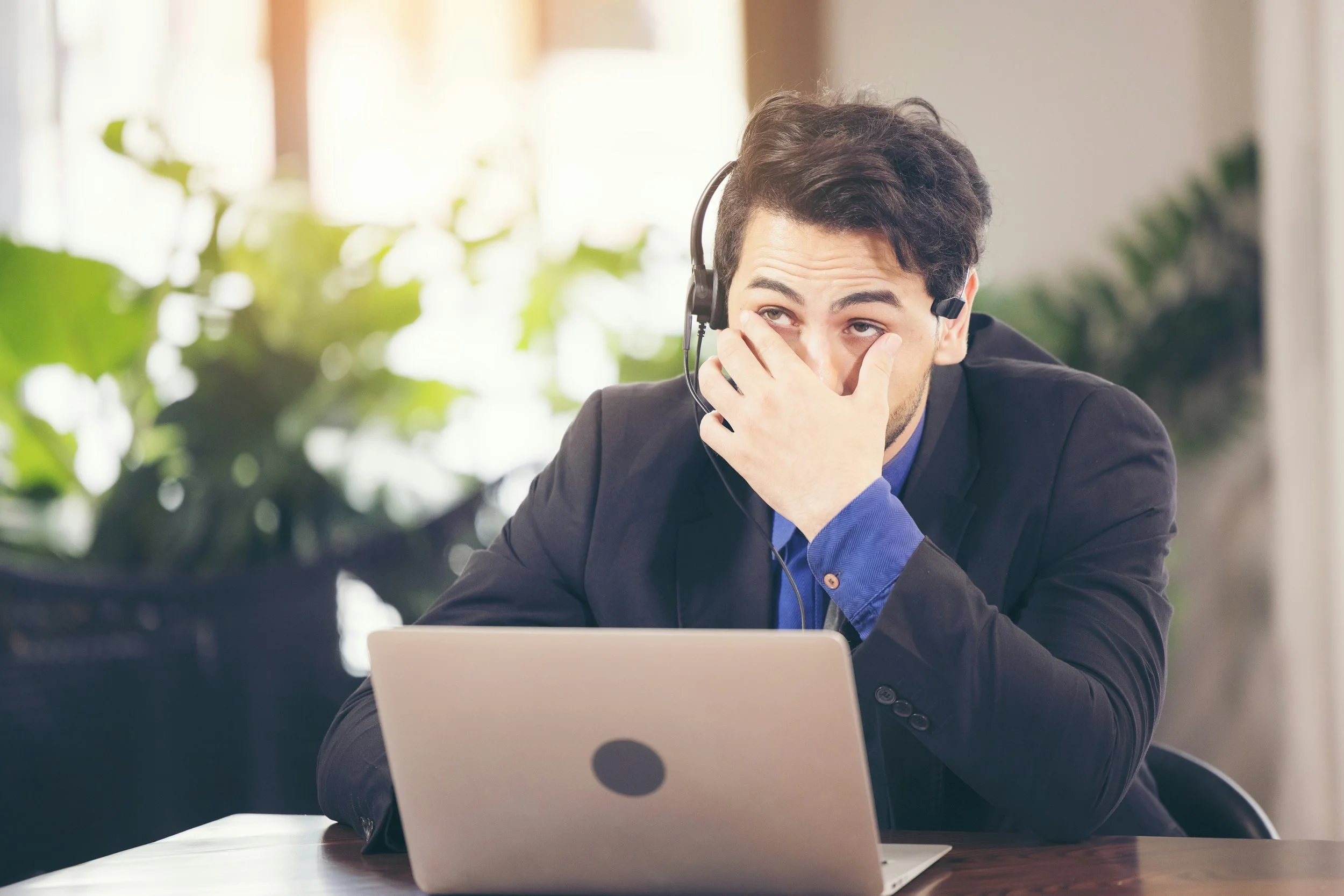
Whenever a new client brings up Zoom, we immediately get on our audio engineer soapbox and tell them, “Don’t record podcasts on Zoom!” It’s not that we don’t like Zoom. It’s that Zoom wasn’t built for podcasting.
The top two reasons we tell clients, “Don’t record podcasts on Zoom”
Zoom was not meant to be a media recording platform. The ability to record is a feature. The platform was designed for remote conversations and a great user experience.
Years ago, a client told us they wanted to save money by recording on Zoom rather than the professional recording platform we use. I said, “OK, if you want to get the same quality on Zoom, here is a four-page document of instructions to try to get Zoom to do what the professional platform we use does.”
They took one look at the instructions and said, “Never mind.”
And that brings me to the second reason: capturing high-quality audio on Zoom requires a heavy lift from both you and your guests.
You and your guests need to adjust nearly 20 Zoom settings so it is ready to record high-quality audio. Some of the adjustments are compromises. For example, you can’t turn off echo cancellation - you can only set it to low or high.
Then everyone follows a 14-step process to successfully connect with Zoom and record audio.
When the interview is over, you and your guests have to send the locally recorded files to your podcast producer (rather than Zoom having them ready for your producer to download from the cloud).
It’s one thing for you, the host, to go through all this trouble. It’s another to ask it of your guests. After all, they are carving out time from their busy schedule to join your podcast. You don’t want to make it tedious for them, too.
Can you help your guests if they have issues on Zoom?
When things go wrong - and they do - will you be able to troubleshoot Zoom for your guests?
We have become troubleshooting experts to save everyone - you and your guest - time and frustration.
During pre-production, we find out where you and your guests are recording. For instance, is your company’s VPN set up to allow remote recording? We also make sure everyone receives a headset that will record crisp audio and that is compatible with their computer.
During the recording, we can jump in to help if issues pop up (and they do more often than you might think), and we can make audio adjustments in real time.
For example, a guest may run into connectivity issues that cause the audio to drop briefly. In such a case, we are able to playback the last 30 seconds of conversation that was missed so the conversation can resume.
Why is high-quality audio so important?
High-quality audio allows you to deliver your message with maximum impact and keep your audience engaged.
Great audio depends on two things: the recording environment and recording methods.
You can do a lot to control the recording environment. First, you want to choose an acoustically damp space to record, whether it’s at home or your office. If you clap your hands, you want to hear minimal reverberation or echo.
Try to avoid spaces near windows, elevators, or bathrooms where noises can drift in. Rooms with lots of hard reflective surfaces such as board rooms and kitchens, as well as open rooms with tall ceilings and/or little to no furniture are also not recommended.
A noisy space - sirens, barking dogs, loud voices in a hallway, doorbells - is distracting and can interrupt the conversation flow.
The recording method is just as important. Poorly recorded audio can be adjusted a little bit, but it can’t be fixed completely.
When you record on Zoom, you may get lucky. You may avoid audio dropouts and freezes. But you are more likely than not to experience them.
We will make the entire podcast recording process seamless and easy
Since 2017, we have helped small businesses, grant-funded scholars, nonprofits, law firms, large corporations, and the marketing firms who collaborate with them produce exceptional podcasts. Email us at info@volubilitypodcasting.com to get the conversation started.